RC planes · drones · rockets · bikes · cars
Test the design before you cut the foam.
Put your wing, nose cone or spoiler in a live wind tunnel and compare versions side by side. Sketch it, trace a photo, or bring the STL you were about to print.
Runs on an ordinary laptop. No sign-up, nothing uploaded.
On your phone? It runs here too: turn it sideways for the biggest tunnel, or add it to your home screen.
What makers test
Answers in minutes, not after the crash.
Wings and aerofoils
Start from any NACA 4-digit section, a Clark Y or your own outline. Change the angle and watch the lift, the drag and the wake respond.
Rockets and fins
Compare ogive and conical noses, fin shapes and body lengths, and see where the flow separates at speed.
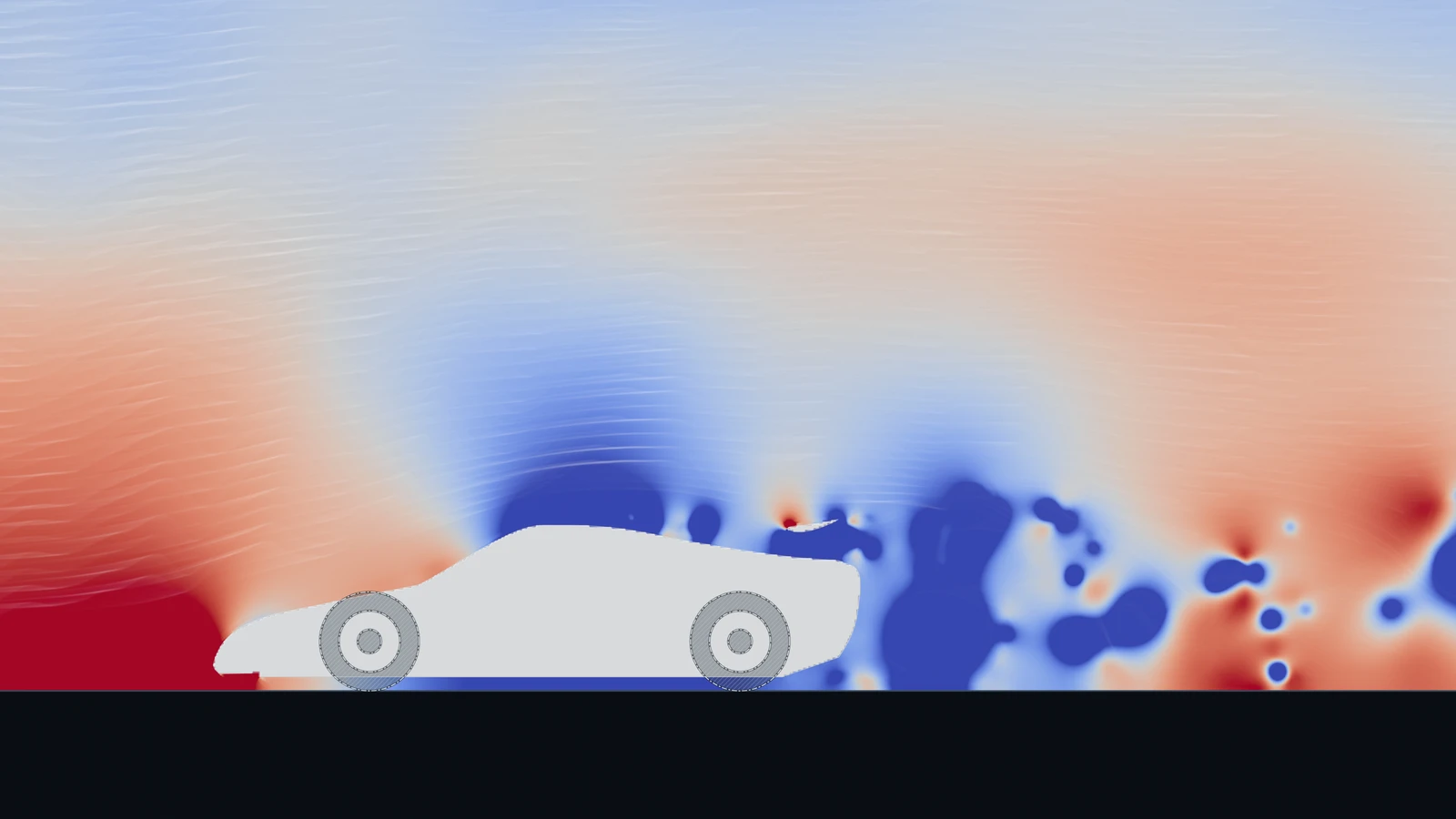
Cars, bikes and drones
Spoilers, diffusers, fairings and frames. Trace a photo of your build, or import the 3D model and run it in the 3D tunnel.
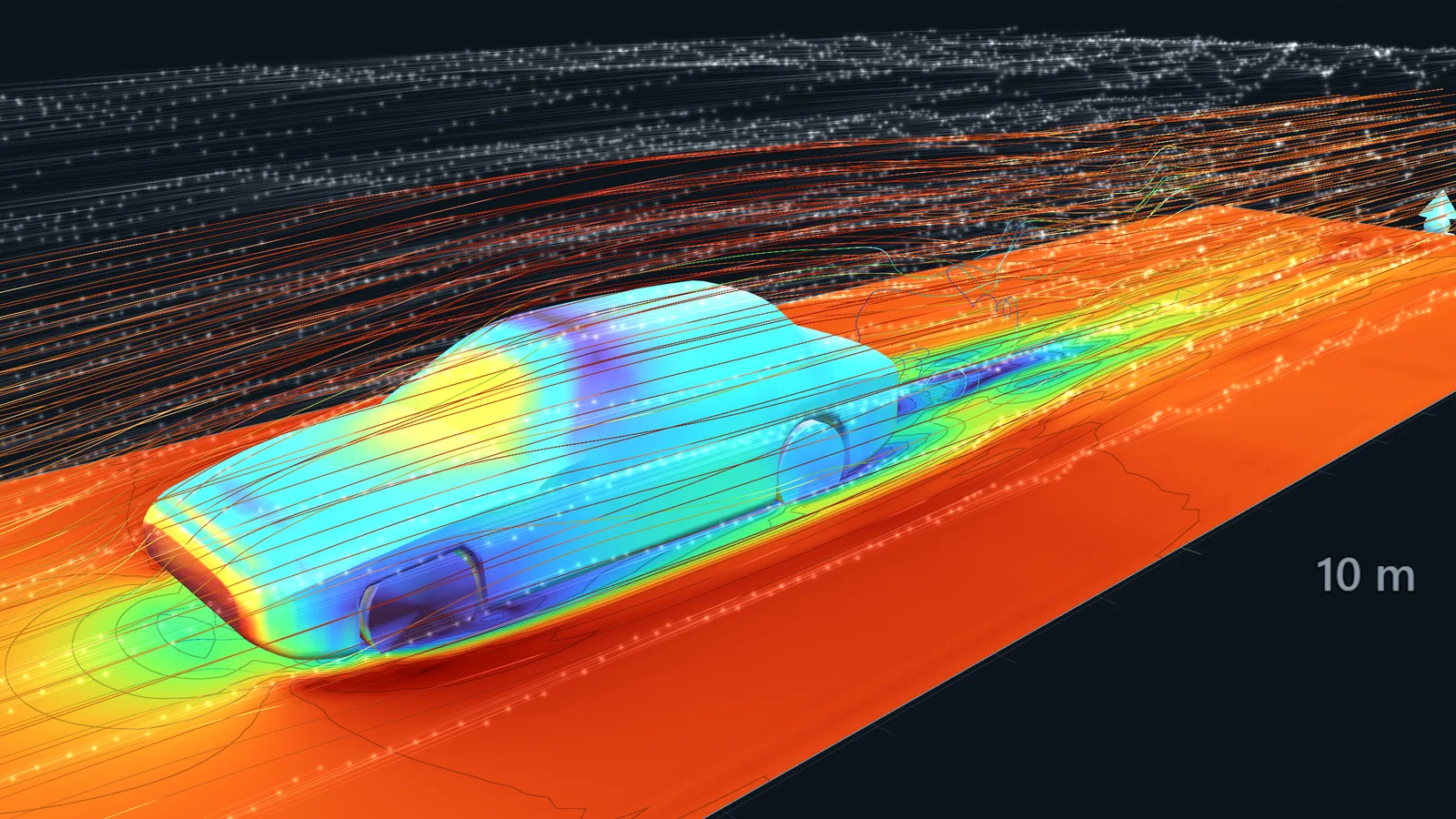
Your model, straight from CAD
With a Maker licence, drop in STL, OBJ, PLY or GLB models, or PDF, SVG and DXF drawings. WindCanvas scales and places the part, and the walls follow its true curves.
STL · OBJ · PLY · GLB · PDF · SVG · DXF · photos and sketches (free)
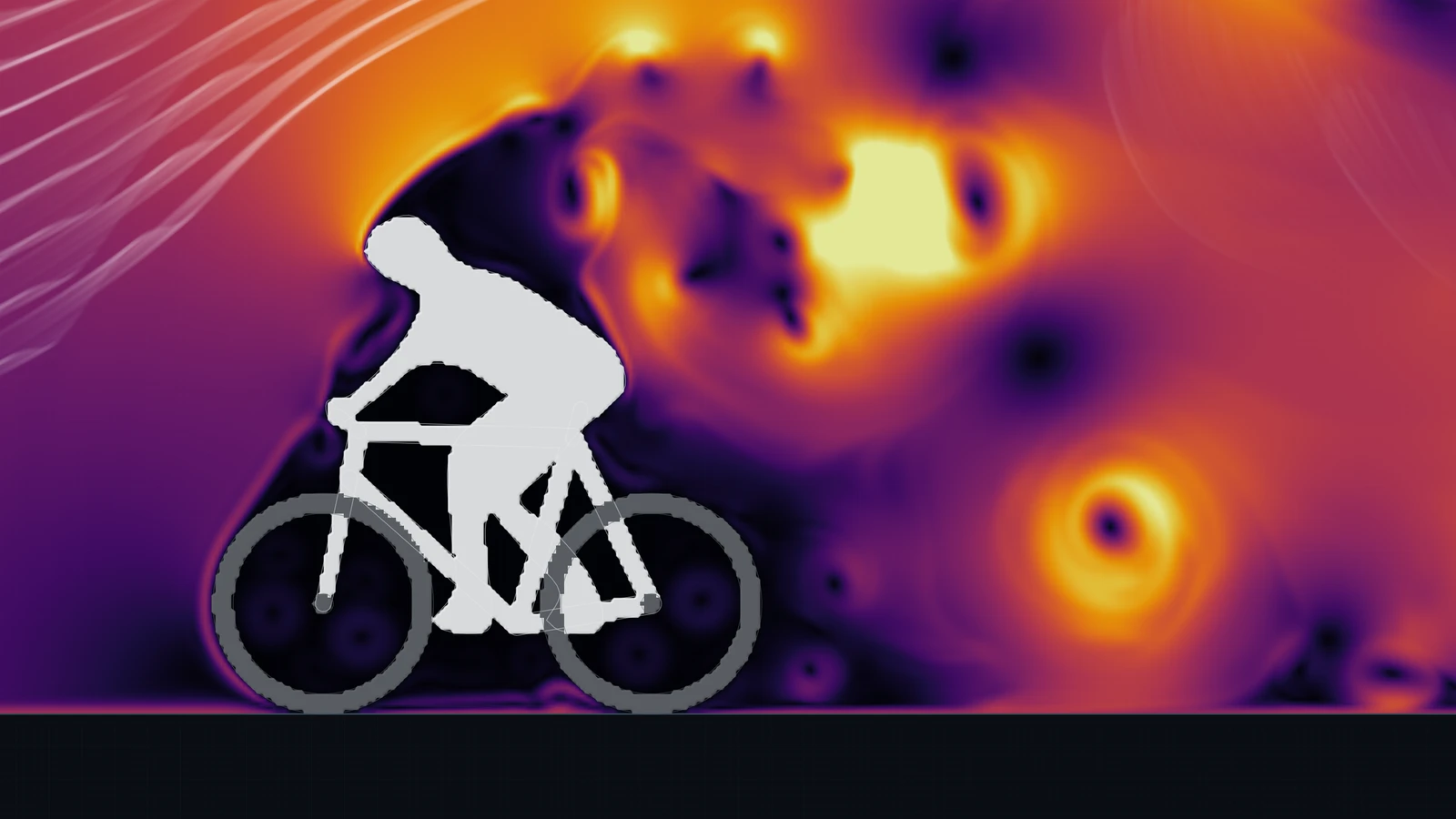
Compare, don’t guess
Run version A, then version B, and read the change in drag and lift. WindCanvas tells you how much to trust each number with a fidelity grade, so a 2% difference on a coarse grid doesn’t send you down the wrong path.
Cd · Cl · L/D · pressure along the surface · drag and lift history · reports
Pricing
Free to try, US$19 to keep.
Launch offer 25% off Maker and Pro until 30 November 2026.
- The full 2D tunnel at Low and Medium resolution
- 3D at Low resolution
- 79 ready-made shapes, the brush and smoke
- Photo and sketch import
- Live drag, lift and pressure plots
- Autosave (saving project files needs a licence)
- Reports with a “WindCanvas Free” watermark
- Personal and educational use
- Every resolution in 2D and 3D, up to Ultra
- Grid refinement around the body
- Every import: PDF, SVG and DXF drawings, STL, OBJ, PLY and GLB models
- Save and share project files
- Clean reports
- One key for the Windows app and the browser, on up to 3 of your computers
- 12 months of updates, personal use
- Everything in Maker
- Commercial use
- Validation suite, parameter sweeps and CSV data export
- Your logo on reports
- Priority email support
- Updates after the first year: US$49 a year, optional
- Maker features on every licensed school computer
- Home use for students
- The free lesson pack for science, physics and design classes
- Quote and invoice for purchase orders
- Free licences for verified STEM Racing teams
Prices are in US dollars. They include any VAT or GST, except in the US, Canada and India, where sales tax is added at checkout. Every purchase comes with a 14-day refund for any reason, on top of your rights under Australian Consumer Law. Polar, our reseller and merchant of record, handles payment, tax and receipts.
Questions
Straight answers.
Is it accurate enough for my build?
For comparing designs, yes: 2D results match textbook benchmarks within a few percent. In 3D the grid is coarse on a laptop, so absolute drag reads high; trust the differences between versions, not the absolute number. See the accuracy page.
Can it simulate a propeller or a spinning rotor?
Not as a rotating part. You can study a blade section as an aerofoil in 2D, and the flow around the frame or body of a drone in 3D.
Does it do supersonic flow for rockets?
No. WindCanvas simulates low-speed flow, where the air behaves as incompressible: the subsonic part of a flight, model rockets at launch, cars, bikes and planes.
What does my Maker licence cover?
Personal use on up to three of your own computers, in the Windows app and the browser, with 12 months of updates. Selling designs or doing paid work with it needs Pro.