Real-time CFD · 2D and 3D · runs offline
A real wind tunnel on your computer.
Draw any shape, or drop in a photo, a drawing or a 3D model, and watch the air flow around it as it happens. Drag and lift update live. It runs on the laptop you already have.
No sign-up. Nothing is uploaded: the simulation runs on your own graphics chip.
On your phone? It runs here too: turn it sideways for the biggest tunnel, or add it to your home screen.
How it works
From a sketch to airflow in about ten seconds.
- STEP 1
Put something in the tunnel
Pick one of 79 ready-made shapes (cars, wings, hulls, bikes, buildings), paint with the brush, or drag in a photo or sketch. With a licence, drop in PDF, SVG and DXF drawings and STL, OBJ, PLY or GLB models too.
- STEP 2
Watch the air move
Smoke streaks and colour maps of speed, pressure and vorticity update every frame. Change the wind speed, the fluid or the shape while it runs.
- STEP 3
Read the numbers
Drag and lift coefficients, the Strouhal number, pressure along the surface and plain-language suggestions. Print a report when you're done.
Features
Real physics you can play with.
Draw anything, and the air reacts
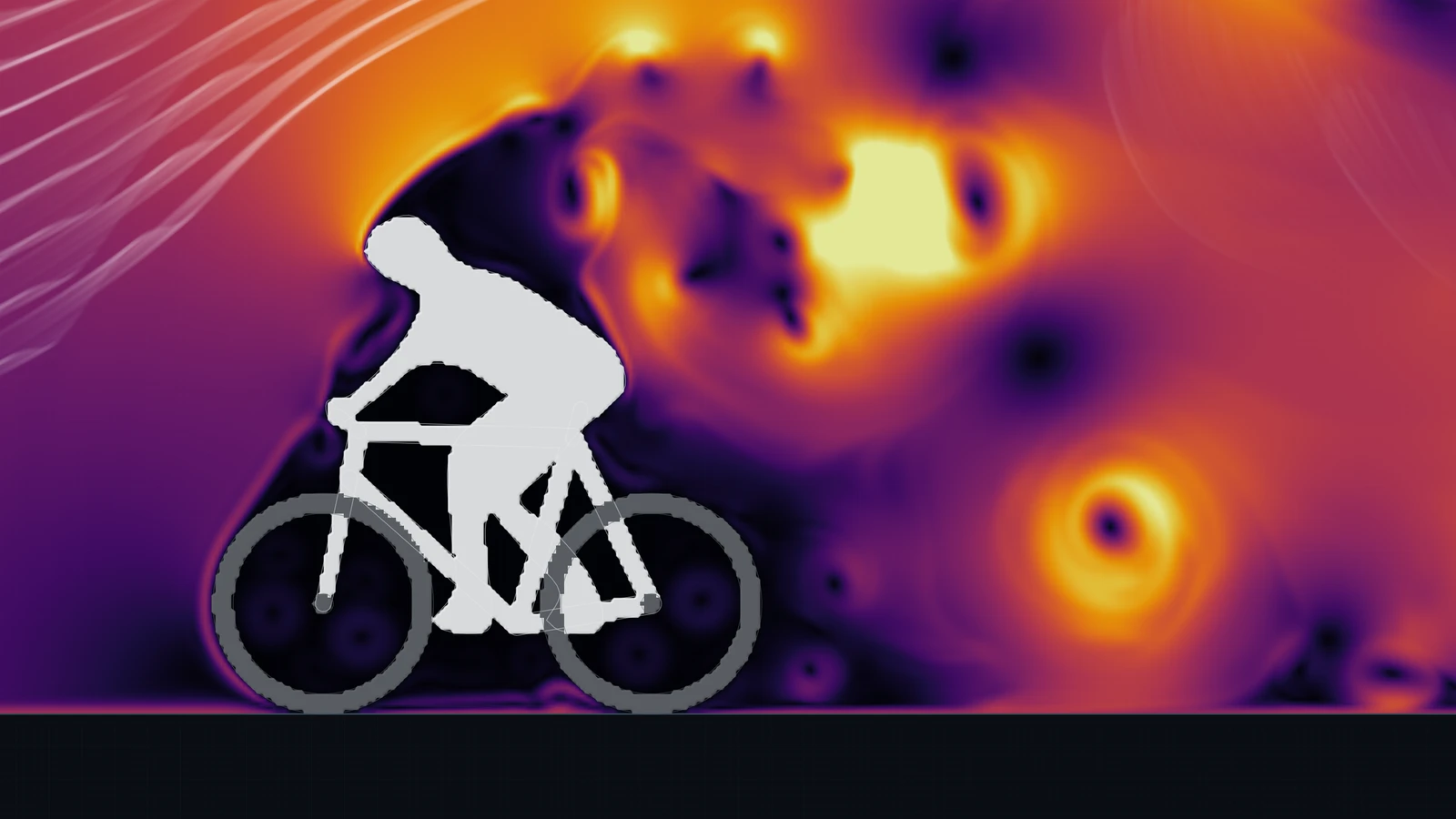
Pick up the brush and sketch a car, a wing or a sail. The flow wraps round it the moment you draw, and every stroke you add or erase changes the airflow live. Photos and sketches work too: drop one in and it becomes a solid shape.
Brush · eraser · polygons, splines and airfoils · photo and sketch import
A research-grade solver, running live
The flow comes from a lattice-Boltzmann solver with a cumulant collision model and large-eddy turbulence, computed on your graphics chip every frame. Walls follow the true curve of your shape instead of stair-steps.
D2Q9 and D3Q19 lattices · cumulant and regularised collision · interpolated curved walls · Smagorinsky LES
See where the drag comes from
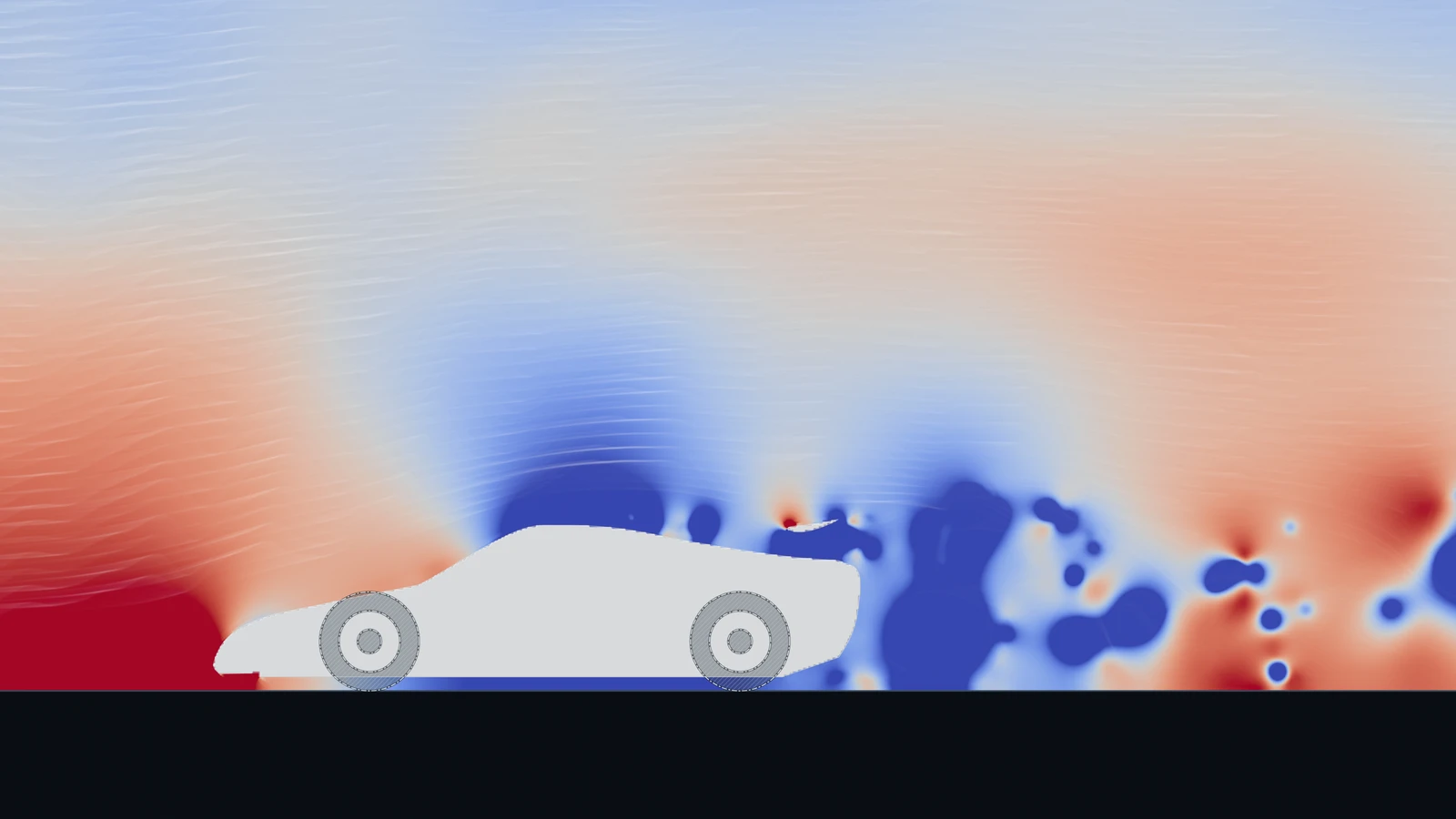
Colour the flow by speed, pressure, pressure coefficient or vorticity. Separation and stagnation points are marked for you, and a patch at twice the resolution can follow the body to sharpen its wake.
Cd · Cl · L/D · Strouhal · Cp along the surface · drag and lift history
2D and 3D
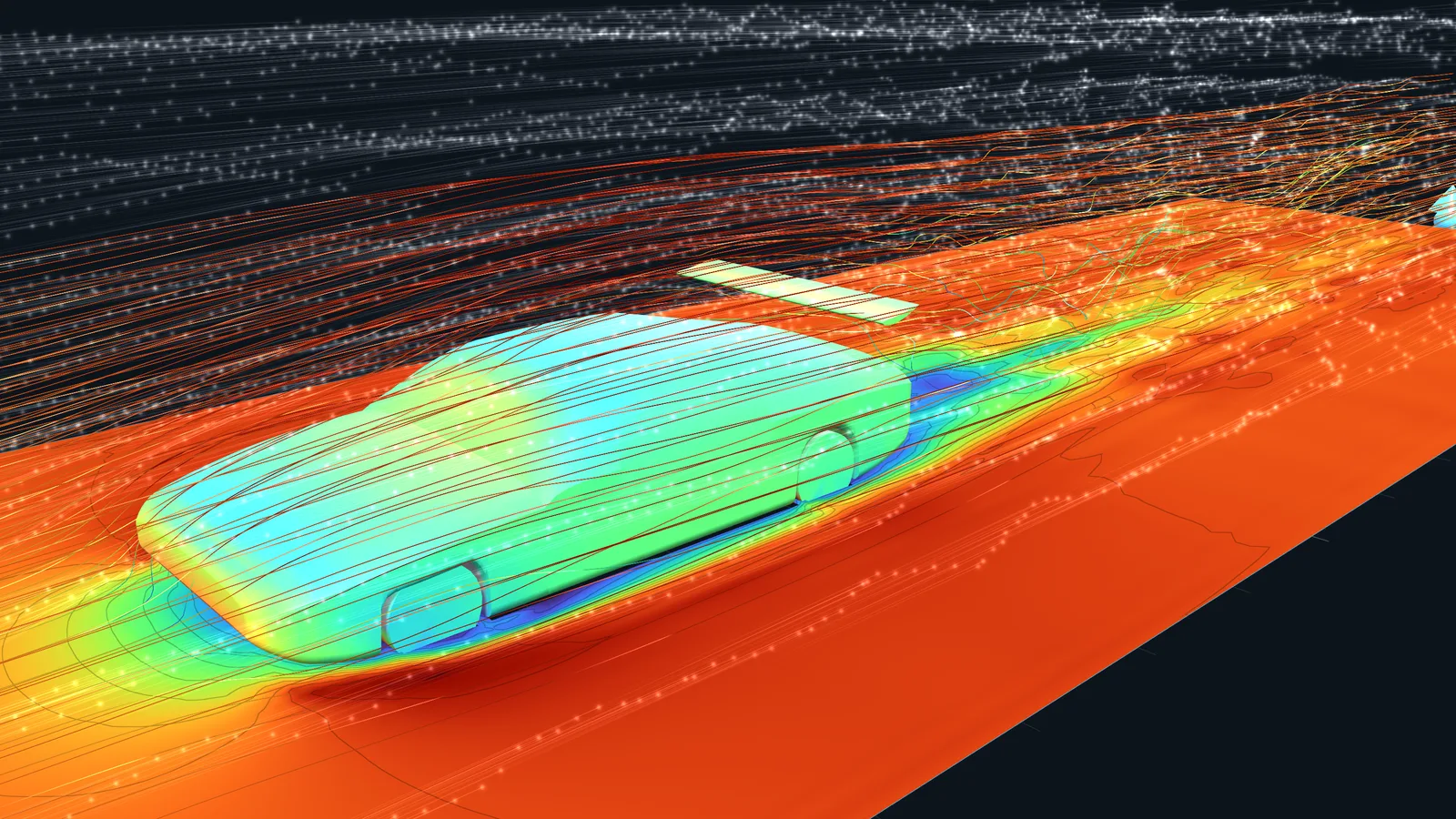
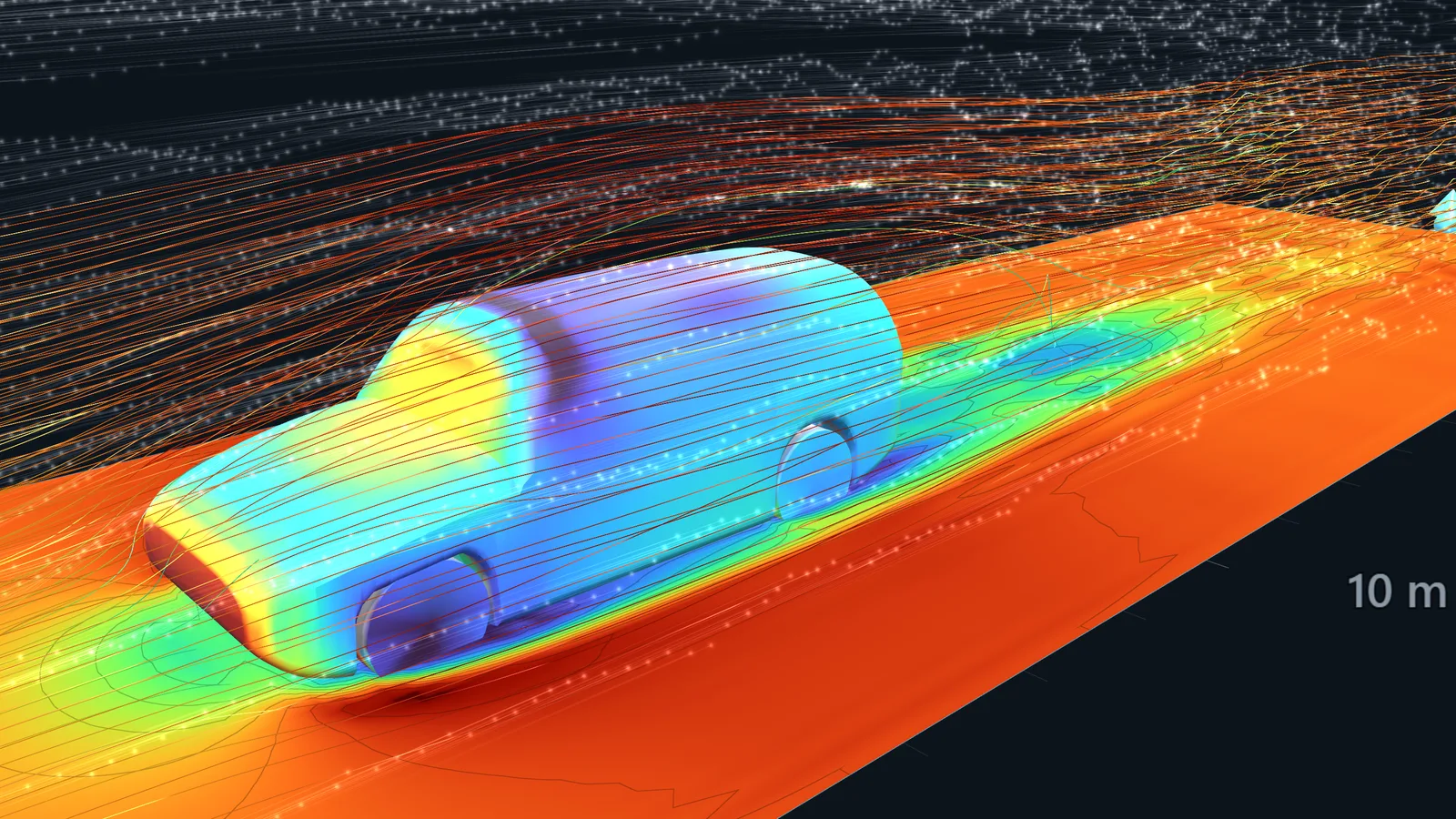
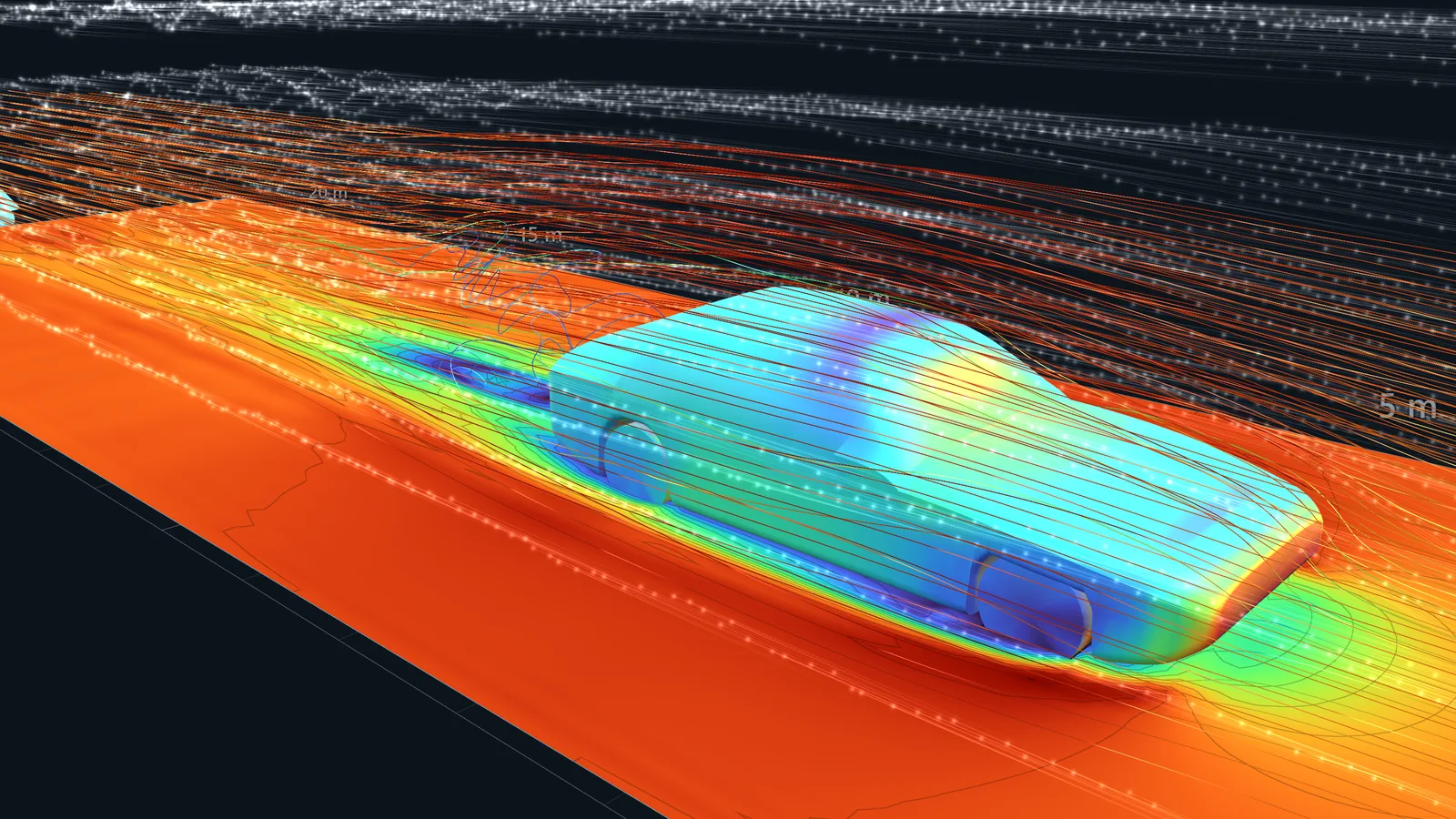
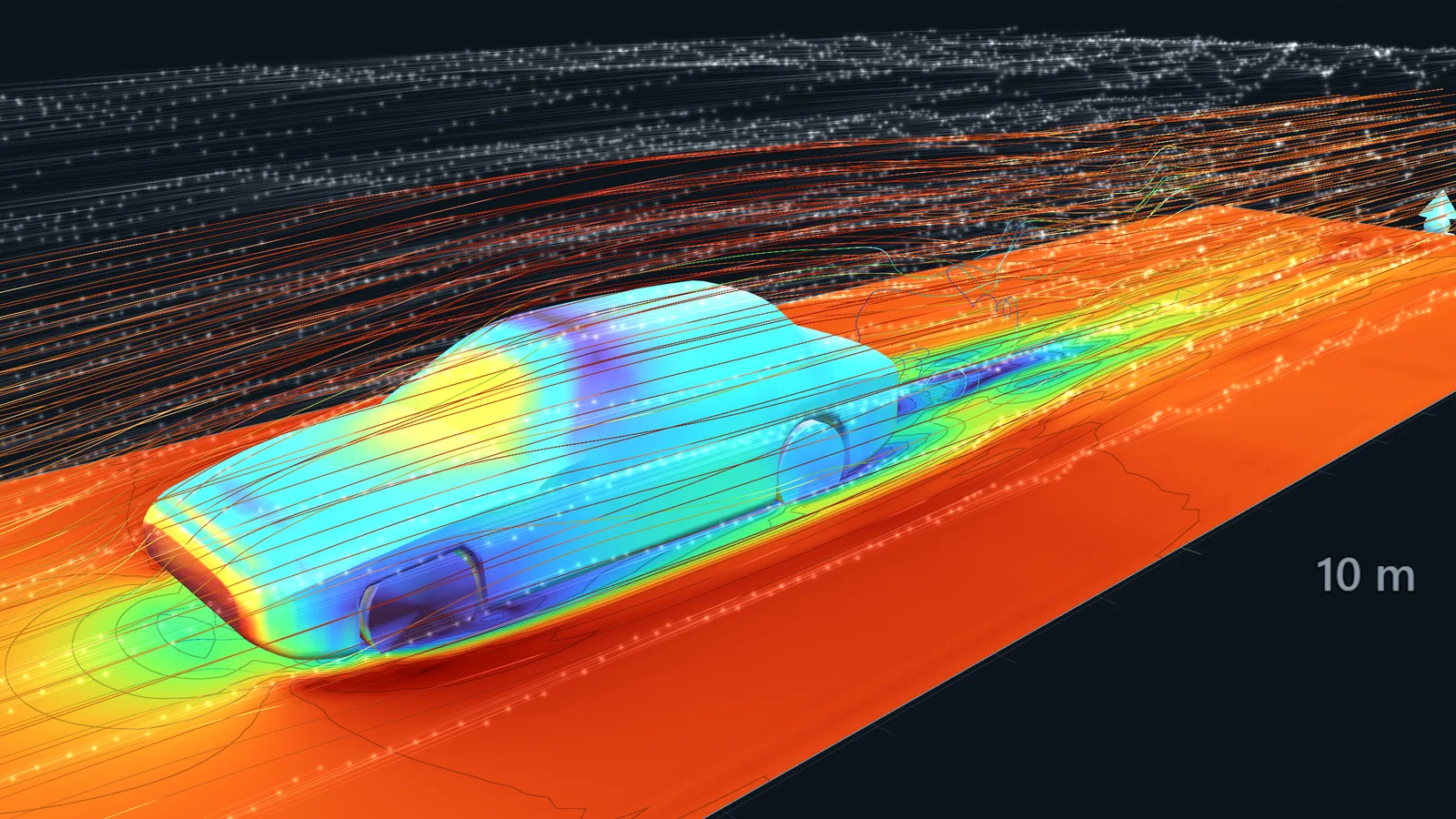
Switch to 3D to see the flow over and around a car, a rocket or a building, with streamlines, slices and particles. Bring your own model straight from CAD or a 3D printing file.
STL · OBJ · PLY · GLB · extruded 2D shapes · split 2D and 3D view
From a first lesson to an engineering report
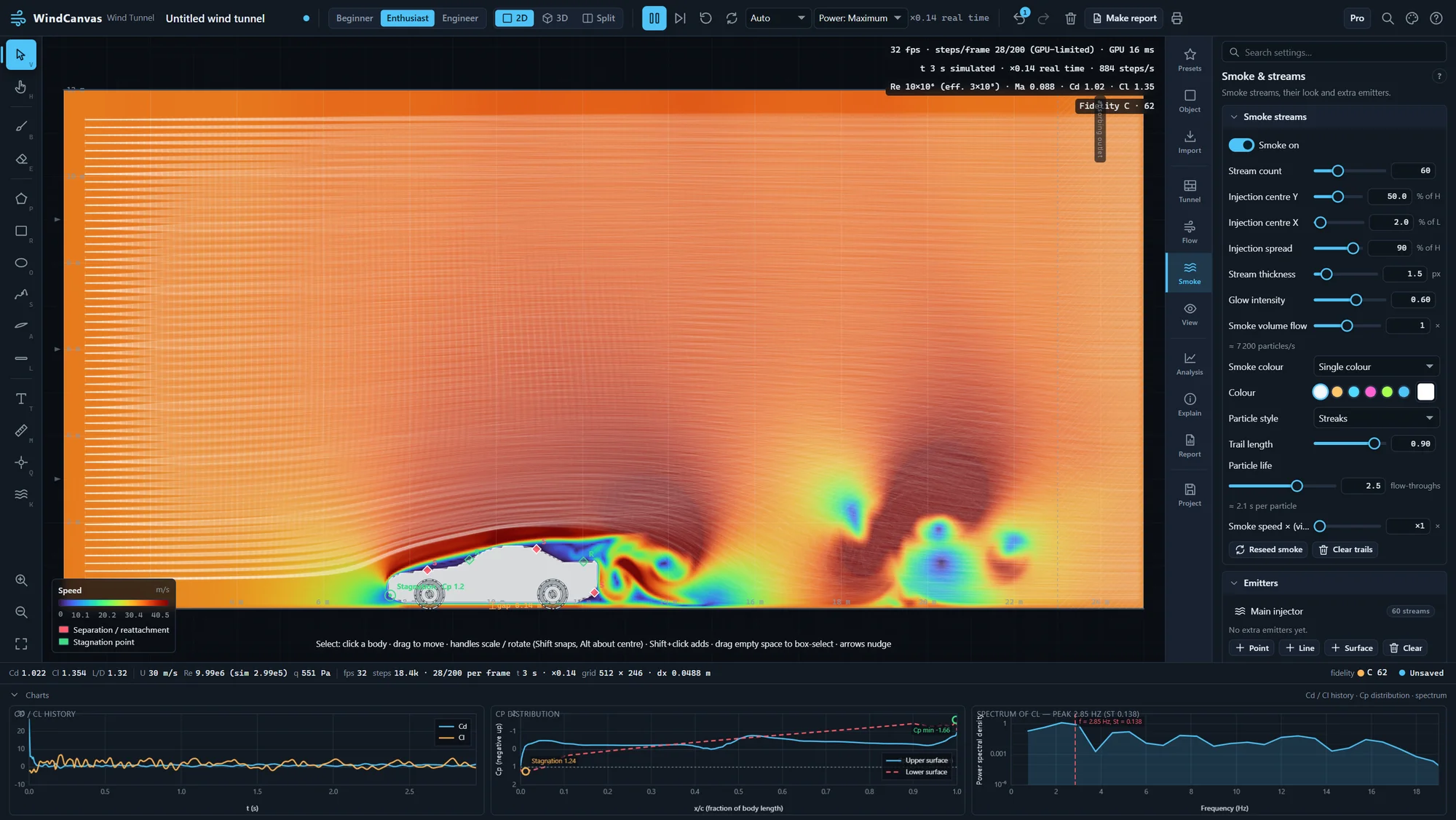
Beginner mode keeps it to a few controls. Engineer mode opens every setting, grid studies, the validation suite and data export. Every result carries a fidelity grade and warnings in plain words.
Beginner · Enthusiast · Engineer · printable reports · .windcanvas project files
In 3D
Real cars, real 3D airflow.
Who it is for
Built for classrooms, workshops and design reviews.
Schools and STEM Racing
Runs on the laptops schools already have and in the browser, with no special graphics card. Classroom and site licences, and a free licence for verified STEM Racing teams.
WindCanvas for schoolsMakers
RC planes, drones, rockets, bikes and cars. Compare two noses, wings or spoilers in minutes, before you cut foam or print a part.
WindCanvas for makersDesigners and engineers
Quick concept comparisons and clear flow pictures for a design review, with an honest fidelity grade beside every number.
How accurate is it?Accuracy
Checked against the textbooks, and clear about its limits.
In 2D the solver matches standard benchmarks within a few percent. In 3D, a laptop-sized grid puts only about 17 cells across a car, so the absolute drag of a real vehicle reads about 2.5 times high. Use it to compare designs and see the flow; every result shows its effective Reynolds number and a fidelity grade so you know how far to trust it.
| Benchmark | Measured | Reference |
|---|---|---|
| Cylinder, Re = 100, 2D, 20 cells across | Cd 1.383, St 0.168 | Cd 1.353, St 0.166–0.168 |
| Same cylinder at 10 cells with the 2× refinement patch | Cd 1.368 | Cd 1.353 |
| Cylinder, Re = 1000, 2D | Cd 1.548, St 0.243 | Cd ≈ 1.55, St 0.241–0.25 |
| NACA 0012 at 4°, Re = 1000, 2D | Cl 0.207, Cd 0.127 | Cl ≈ 0.20, Cd ≈ 0.125 |
| Channel flow, peak velocity ratio | 1.498 | 1.5 exact |
| Sphere, Re = 100, 3D, 16 cells across | Cd 1.17 | ≈ 1.13 in this tunnel |
| Default sedan, 3D, about 17 cells across | Cd 0.73 | ≈ 0.3 for a real car |
Pricing
Free to try. Yours to keep.
Launch offer 25% off Maker and Pro until 30 November 2026.
- The full 2D tunnel at Low and Medium resolution
- 3D at Low resolution
- 79 ready-made shapes, the brush and smoke
- Photo and sketch import
- Live drag, lift and pressure plots
- Autosave (saving project files needs a licence)
- Reports with a “WindCanvas Free” watermark
- Personal and educational use
- Every resolution in 2D and 3D, up to Ultra
- Grid refinement around the body
- Every import: PDF, SVG and DXF drawings, STL, OBJ, PLY and GLB models
- Save and share project files
- Clean reports
- One key for the Windows app and the browser, on up to 3 of your computers
- 12 months of updates, personal use
- Everything in Maker
- Commercial use
- Validation suite, parameter sweeps and CSV data export
- Your logo on reports
- Priority email support
- Updates after the first year: US$49 a year, optional
- Maker features on every licensed school computer
- Home use for students
- The free lesson pack for science, physics and design classes
- Quote and invoice for purchase orders
- Free licences for verified STEM Racing teams
Prices are in US dollars. They include any VAT or GST, except in the US, Canada and India, where sales tax is added at checkout. Every purchase comes with a 14-day refund for any reason, on top of your rights under Australian Consumer Law. Polar, our reseller and merchant of record, handles payment, tax and receipts.
Questions
Before you try it.
Will it run on my computer, tablet or phone?
The Windows app runs on Windows 10 and 11, on Intel, AMD and ARM (Snapdragon) PCs. The browser version runs in any recent Chrome, Edge or Firefox, including on a Mac, and in Safari on iPhone and iPad and Chrome on Android phones and tablets. Any graphics chip with WebGL2 works, including the ones built into laptops and phones; turn a phone sideways for the biggest tunnel. The free version is the easiest test: if it runs there, the paid version will too.
Is anything uploaded?
No. The simulation, your shapes and your files stay on your computer. Activating a licence sends only the licence key and a device name.
How accurate is it?
Within a few percent of textbook results on the standard 2D benchmarks. In 3D the grid is coarse, so absolute drag of real vehicles reads high; compare designs against each other. The accuracy page lists every benchmark.
What do I get when I buy?
A licence key by email. Enter it in the free app you already have (the plan badge at the top right) and the paid features unlock, in the Windows app and the browser version alike. Maker and Pro include 12 months of updates.
Can my school pay by invoice?
Yes. Classroom and site licences come with a quote and an invoice for your purchase order. STEM Racing teams can ask for a free licence. See WindCanvas for schools.
Who makes it?
An independent developer in Western Australia, who answers support email personally.